ApplyOnce — Job Application Autofill
Fill job applications in one click. Encrypted, private, never sends your data anywhere. Works with Workday, Greenhouse, Lever & more.
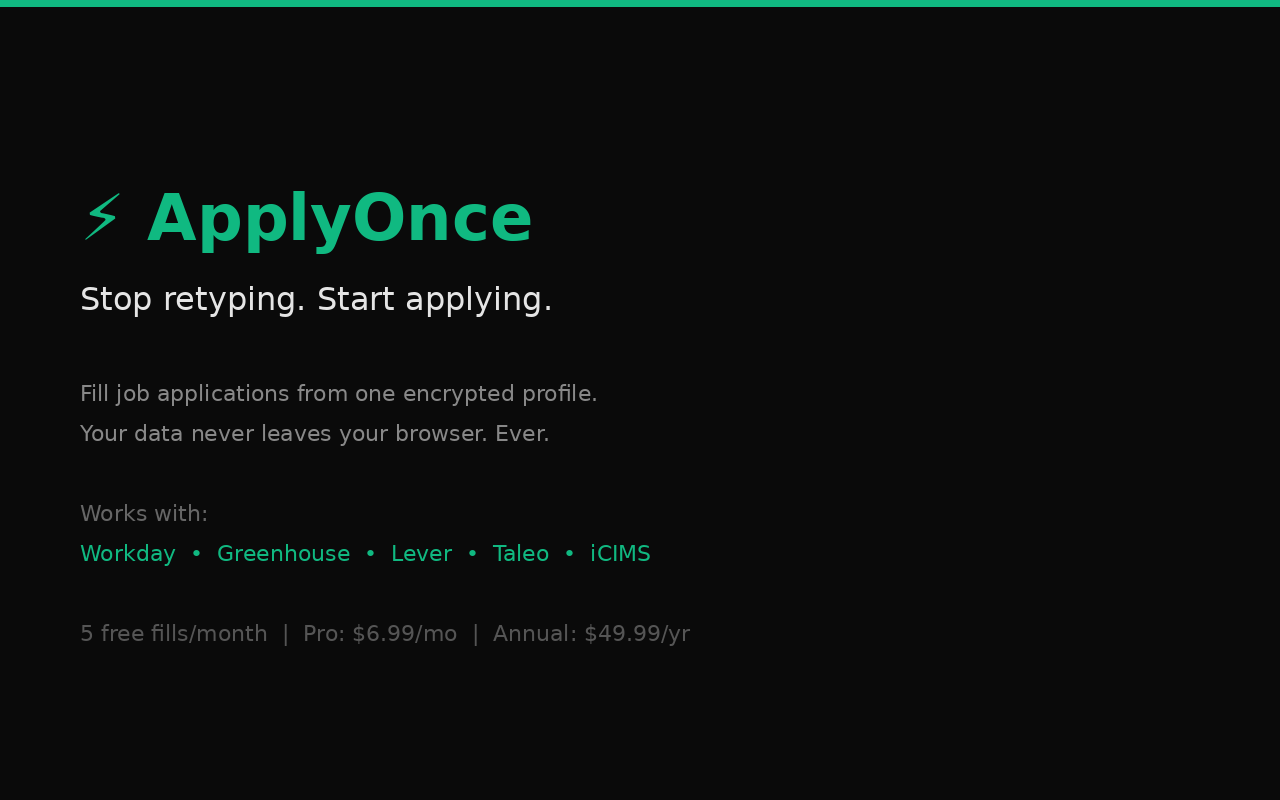
Stop retyping. Start applying.

You've applied to 50 jobs. You've typed your address 50 times. Your phone number 50 times. Your work history 50 times. That's insane.

ApplyOnce saves your info once, encrypted on your device, and fills application forms with one click. No accounts. No servers. No data ever leaves your browser.

HOW IT WORKS
1. Create your profile (takes 3 minutes)
2. Go to any job application
3. Click "Fill This Form"
4. Review every field before submitting

That's it. You're always in control — ApplyOnce never auto-submits anything.

WORKS WITH
• Workday (40% of Fortune 500 hiring)
• Greenhouse (7,500+ companies)
• Lever (5,000+ companies)
• Taleo / Oracle (enterprise hiring)
• iCIMS (4,000+ companies)
• And most standard application forms

PRIVACY FIRST — BY DESIGN
• AES-256-GCM encryption with your passphrase
• Zero network requests — nothing ever sent anywhere
• No account needed. No sign-up. No tracking.
• Only 3 permissions: storage, activeTab, scripting
• We literally cannot see your data

WHAT IT FILLS
• Name, email, phone, address
• Work history (company, title, dates, description)
• Education (school, degree, GPA, dates)
• LinkedIn, portfolio, website URLs
• EEO fields (gender, race, veteran status, disability)
• Dropdowns, radio buttons, checkboxes

Free Plan: 5 fills per month
Pro Plan: $6.99/month — unlimited fills
Annual: $49.99/year — save 40%

Your data is yours. Period.
Productivity
English
https://client-applyonce-privacy.pages.dev

Click "Submit for Review". Google typically approves within 1-3 business days.